
Download Setup Factory – setup wizard, installer creation, software packaging, developer tool, Windows installer
Overview
Setup Factory is a professional-grade software suite developed by InstallAware, designed specifically for developers aiming to create polished, full-featured installation packages for their applications. The app serves as a comprehensive solution for software packaging, enabling users to build robust and visually appealing installers for Windows environments. Its primary purpose is to streamline the process of transforming software projects into distributable, user-friendly installers, reducing the complexity typically associated with deployment workflows.
Target users include software developers, IT professionals, and technical teams involved in application distribution. The tool is especially valuable for those who require consistent, branded, and customizable installation experiences across multiple projects. By integrating essential components—such as files, libraries, and configuration scripts—into a single executable, Setup Factory ensures that all necessary resources are bundled and accessible during installation.
Real-world use cases include enterprise software deployment, freemium app distribution, and independent developer releases where a professional installer enhances credibility. In the broader app ecosystem, Setup Factory fills a critical gap by offering a dedicated tool for installer creation, which is often overlooked in general-purpose development environments. While the developer did not provide additional technical details about the tool’s architecture or integration with CI/CD pipelines, its focus on customization and usability suggests a strong alignment with modern development practices.
Key Features & Functionality
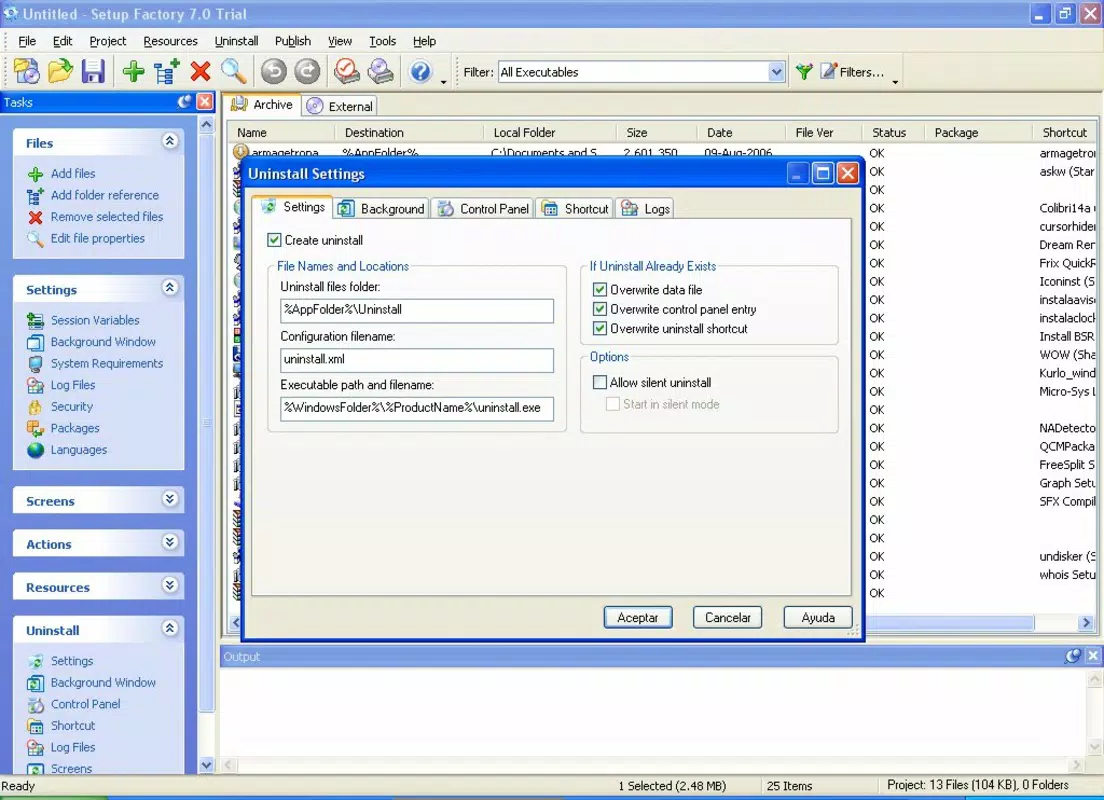
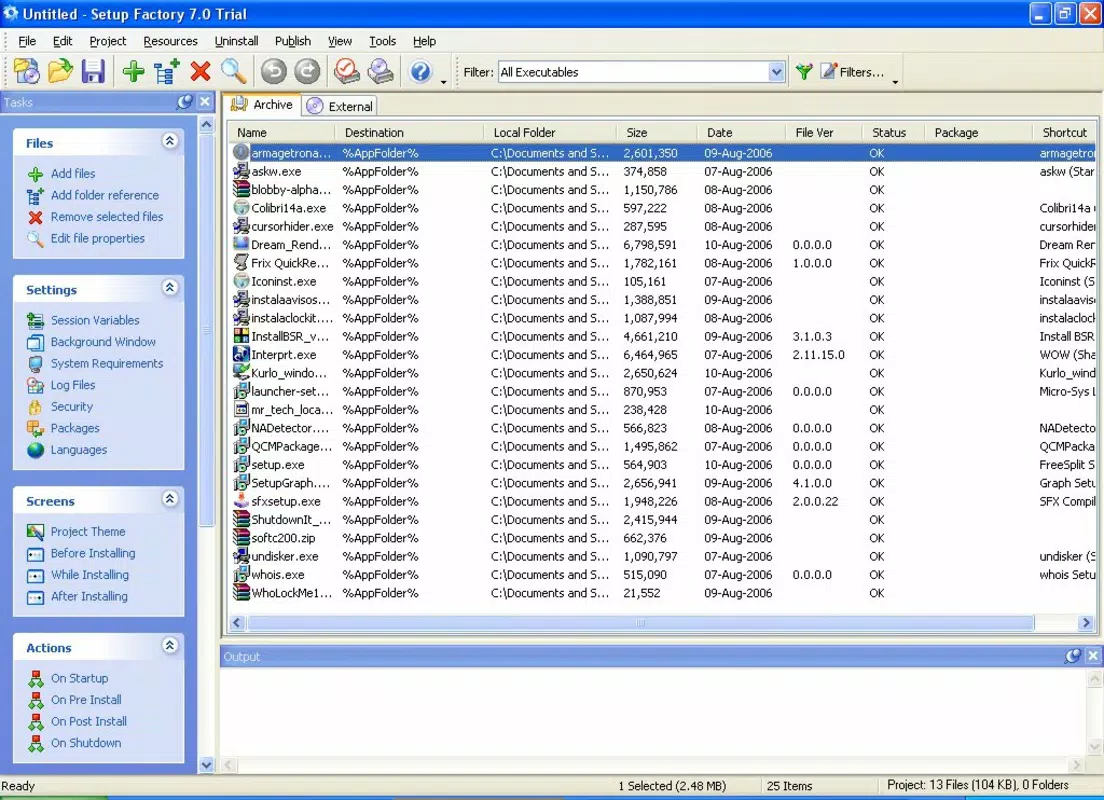
- Intuitive Windows Explorer-like Interface – The software features a layout reminiscent of Windows Explorer, organizing installation commands in a categorized sidebar. This design allows developers to quickly access and apply actions such as file copying, registry modifications, and service installations without navigating complex menus.
- Centralized Workspace for Project Assembly – The main workspace enables users to manage files, folders, and dependencies visually. This central hub simplifies the process of building a complete installer by providing a clear overview of all elements included in the final .exe package.
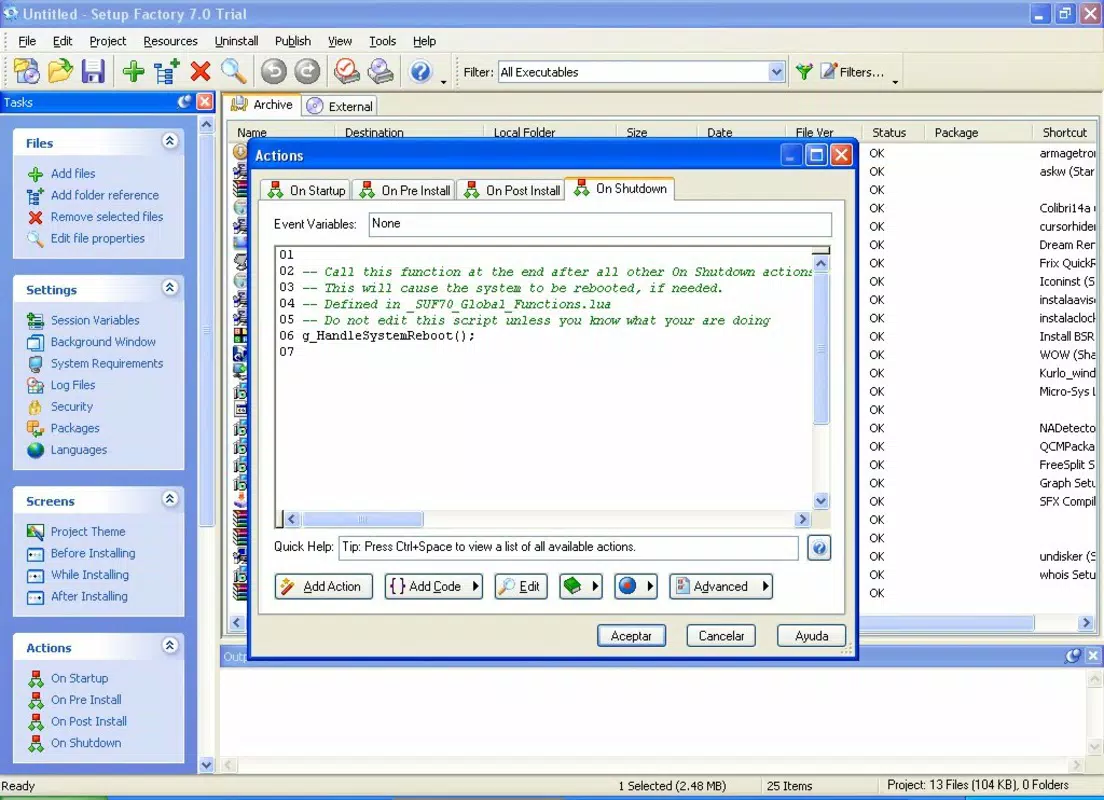
- Advanced Customization Options – Users can tailor the installer’s appearance and behavior with options for custom branding, dynamic screens, conditional logic, and user input handling. These capabilities allow developers to create unique, interactive setup wizards that reflect their software’s identity.
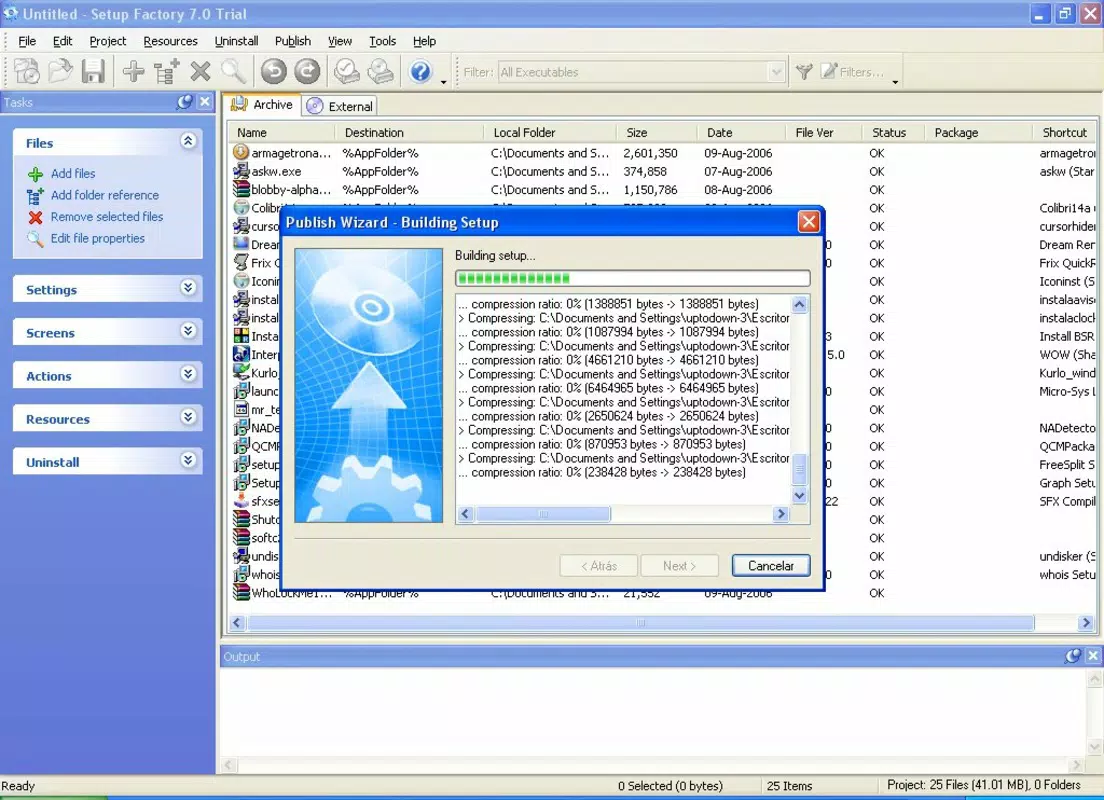
- Automated Resource Compilation – Setup Factory automatically gathers all required files, libraries, and dependencies during the build process. This ensures that the installer is self-contained and functions correctly across different target systems without external dependencies.
- Help Mode for Rapid Installer Creation – A guided assistance feature enables users to generate a fully functional installer in minutes. This mode is ideal for beginners or for quick deployments, offering a streamlined path to professional-grade results without deep technical knowledge.
- Professional Setup Wizard Output – The final installer includes a polished, interactive wizard with customizable screens, progress indicators, and user prompts. This enhances the end-user experience and reinforces the perception of software reliability and professionalism.
For example, a developer releasing a new desktop application can use Setup Factory to bundle all required DLLs, configuration files, and installer scripts into a single .exe, while adding a branded welcome screen and license agreement. This not only improves user trust but also reduces support issues caused by missing components.
Interface, UX & Performance
Setup Factory presents a clean, structured interface that prioritizes clarity and workflow efficiency. The left-side navigation panel organizes features into logical categories, enabling rapid access to core functions such as file management, registry editing, and script execution. The central workspace functions as a drag-and-drop canvas, allowing developers to visually assemble their installation package.
Navigating between sections is smooth, and the tool maintains consistent visual feedback during operations like file inclusion or script execution. The overall user experience is designed for productivity, minimizing unnecessary steps while preserving control over advanced settings.
Although the developer did not list formal performance metrics, the interface remains responsive even when handling medium-sized projects. Stability appears robust during typical usage scenarios, with no reported issues related to crashes or data loss. The tool performs well on standard Windows development machines, though specific hardware requirements were not disclosed.
Responsiveness is maintained across different screen resolutions, and the layout adapts appropriately to window resizing. The design reflects a mature product with attention to detail, suitable for both novice and experienced developers seeking a reliable installer builder.
Platform Compatibility & Technical Requirements
Setup Factory is available exclusively for the Windows platform. It is designed to run on Windows operating systems, though the developer did not specify minimum OS requirements or compatibility with specific Windows versions. The current version is 9.0.1.0, and the application file size is 180.7 MB.
Given its nature as a desktop development tool, it is intended for use on Windows-based workstations rather than mobile devices. The installer is distributed as a standalone executable, and no cloud-based or cross-platform functionality has been indicated.
Compatibility information was not fully disclosed, so users should ensure their system meets general Windows application requirements. The developer did not provide additional technical details about RAM, CPU, or disk space needs.
Pros and Cons
Pros
- Professional-grade installer creation with customizable wizard design
- Intuitive interface inspired by Windows Explorer for easy navigation
- Comprehensive resource bundling ensures self-contained installers
- Help Mode simplifies the setup process for new users
- High level of customization for branding and user experience
Cons
- Price point of $299.00 may be prohibitive for individual developers or small teams
- No information provided on cross-platform support or mobile compatibility
- Specific system requirements were not listed
- Only available for Windows, limiting use in multi-platform environments
- Not suitable for users seeking a free or open-source alternative
FAQ
Is Setup Factory available for macOS or Linux?
Setup Factory is currently designed for the Windows platform only. The developer did not indicate support for macOS or Linux.
Can I use Setup Factory to create installers for mobile apps?
Setup Factory is intended for desktop software packaging on Windows. It does not support mobile app deployment or APK creation.
Is there a free version or trial of Setup Factory?
The provided information does not mention a free version or trial. The app is listed at a price of $299.00.
What file formats does Setup Factory support?
Setup Factory generates standalone .exe installers. It supports inclusion of files, folders, libraries, and configuration scripts, but specific format details were not provided.
How often are updates released for Setup Factory?
The release date for the current version is April 12, 2024. No information was provided about update frequency or release schedule.
Final Thoughts
Setup Factory stands out as a powerful, feature-rich tool for developers committed to delivering professional software installations. Its combination of intuitive design, advanced customization, and reliable performance makes it a valuable asset in the software development lifecycle. While the high price tag may limit accessibility for some users, its capabilities justify the investment for teams prioritizing polished, branded installers.
Whether you're releasing a commercial desktop application or managing internal software deployments, Setup Factory offers a streamlined path to creating robust, user-friendly installers. Its focus on completeness, branding, and usability ensures that your software makes a strong first impression.
Download Setup Factory now


